AWS Solutions Architect Associate (SAA-C03) Bootcamp
75+ hours of mentor-led live training, hands-on AWS labs, and three real-world capstone projects.
View courseLearn AWS Cloud Computing from Basics to Certification
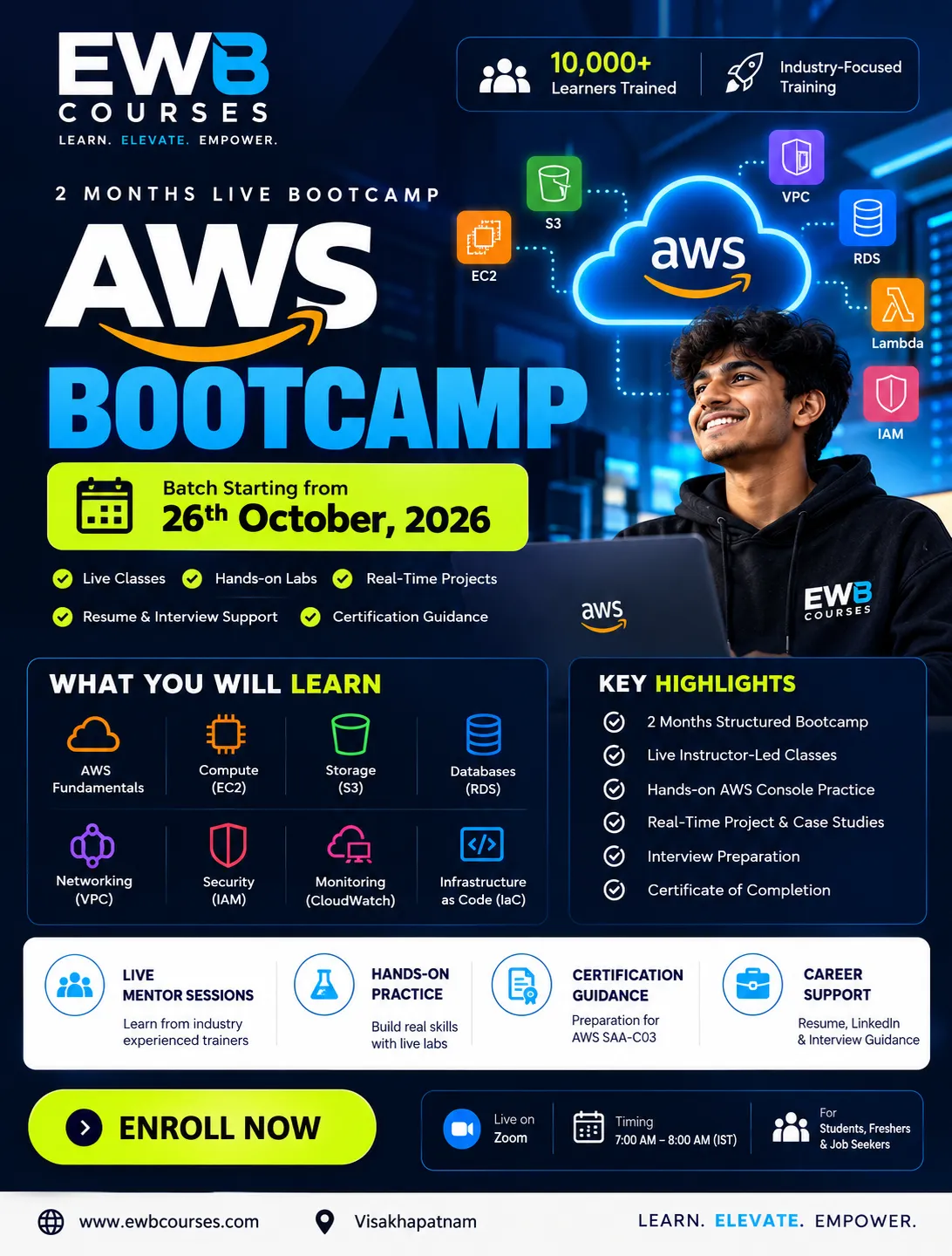
₹1,499 ₹4,999 70% off
Try before you enrol
Real class recordings with the notes (PDF). The free days need no payment and no sign-up. The 16 later classes unlock when you enrol, and new classes are added as the batch runs.
Day 1 · AWS Cloud Basics
Day 2 · EC2: Windows and Linux Launch
Day 3 · Linux Commands Basics
Day 4 · File Transfer, Elastic IP and Web Server
Day 5 · Bootstrap, Users and Placement Groups
Day 6 · Tuesday
Day 7 · Wednesday
Day 8 · Thursday
Day 9 · Thursday
Day 10 · Wednesday
Day 11 · Thursday
Day 12 · Friday
Outcomes
Curriculum
Understand AWS and control who can access your resources.
Practical lab: Set up secure access and create a cost budget.
Launch servers and design for changing demand.
Practical lab: Launch a web server and design its scaling setup.
Topics and labs for this module unlock with enrolment.
Topics and labs for this module unlock with enrolment.
Topics and labs for this module unlock with enrolment.
Topics and labs for this module unlock with enrolment.
Topics and labs for this module unlock with enrolment.
Topics and labs for this module unlock with enrolment.
Modules 3 to 8 and the downloadable syllabus PDF are for enrolled students.
Download syllabus PDF · Pay to unlock
Who this is for
Students, Freshers, Job Seekers, IT Professionals
Delivery details
Instructor
Brings real, hands-on teaching experience to every live session.
Testimonials
“That's cover lot's of things in aws also i gain my hands on experience in cloud computing.”
Abdul Wahid Khan
“My favourite things to learn in AWS Cloud Computing are: EC2: Creating and managing virtual servers. S3: Cloud storage. IAM: Managing users and permissions. VPC: Understanding cloud networking. Lambda: Running serverless code. I particularly like EC2 and S3 because they help me understand real-world cloud deployment and storage.”
Ankur Kumar
B.Tech CSE MIMIT MALOUT college
“My internship at EWB EduTech Private Limited was an enriching learning experience that helped me explore new technologies, gain practical knowledge, and improve my technical and problem-solving skills. I particularly enjoyed the hands-on learning opportunities and the chance to connect theoretical concepts with practical applications. The experience also helped me build confidence and develop a better understanding of technical concepts. I would encourage my juniors to make the most of this opportunity, stay curious, ask questions, practise regularly, and focus on gaining practical knowledge rather than simply completing the internship. It is a valuable opportunity to learn, explore, and gro”
Rajavignesh
“I joined AWS Cloud Computing at EWB Courses. I learned about EC2, S3, IAM and how cloud really works with practical labs. The best part was easy explanation and hands-on practice. For juniors, I would say if you are from BSc background and want to start in cloud, this course is perfect to start your career. Excellent support!”
Sumit Gupta
BSc
“The AWS Cloud Computing Internship was a valuable and enriching experience. It helped me strengthen my understanding of cloud technologies and gain practical knowledge of AWS services. I appreciate the trainers' guidance, well-structured sessions, and continuous support throughout the program.”
U Shruthi
“Great experience and learn new skills”
Banothu Jaswanth
Bharath Institute of Higher Education and Research
“My experience with EWB was very good and informative. I learned new skills, improved my knowledge, and gained confidence through the learning activities. The course helped me understand important concepts and develop my practical skills. The guidance and learning resources were helpful throughout the journey. I would recommend EWB to other students who want to improve their skills and build a better future. Thank you, EWB, for this valuable learning experience!”
Donthamala Chaitanya
Narsaraopeta engineering college
“Before this, I thought "cloud" just meant storing files online. Working with AWS changed that. I got hands-on with EC2, S3 and IAM, and I realized that launching a server takes five minutes, but running it safely is the real skill. My biggest lesson was IAM permissions. One wrong setting and either nothing works, or something is open to the whole internet.Hosting a small website on S3 and watching it go live. That "oh, this actually works" moment taught me more than any theory video. I also liked having everything in one console, though it felt overwhelming at first. Seeing 200+ services on day one is a lot.Don't try to learn every service. Start with EC2, S3, IAM and VPC basics.”
Dimple Deora
Government engineering college barmer
“My experience with the AWS Cloud Computing course was excellent! The course helped me understand the fundamentals of cloud computing and introduced me to AWS services and their real-world applications. I liked the learning experience and the opportunity to explore new technologies. The content was informative and useful for building my technical knowledge. I would recommend this course to juniors and fellow students who are interested in cloud computing and want to explore the world of AWS. My advice to juniors: Stay curious, keep learning, and make the most of every opportunity. Great learning experience!”
Sujal Rajput
B. Tech from Acropolis Institute of Technology and Research, Indore
“I'm so lucky and thank you for gidens and saport me your team and i have done project with javascript”
Prashant Rathour
B.tech Student in Shri Ram group jabalpur
“Excellent experience! Learned practical AWS skills and gained valuable cloud computing knowledge. Thank you, EWB Edutech.”
Raj parmar
“My learning experience with EWB Courses was really good! Special thanks to B. V. Bhanu Prakash Sir for his excellent teaching and clear explanation of concepts. He patiently resolved all our queries before each session, making the learning process smooth and effective. I also got hands-on experience by completing a project on AWS VPC Peering, which helped me understand cloud networking better. Overall, it was a valuable learning journey, and I'm grateful for the guidance and support!”
Glen Nitish
Vel Tech
“I had a great learning experience during my AWS cloud computing internship with EWB Edu Tech. The internship helped me gain valuable knowledge about Amazon Web Services (AWS) and understand various cloud computing concepts. The training sessions were informative, and the learning experience helped me improve my technical skills and practical understanding. I am grateful to the trainers and the EWB Edu Tech team for their guidance and support throughout the internship. Overall, it was a wonderful experience, and I would recommend EWB Edu Tech to students who want to enhance their technical knowledge and skills.”
Priya Sitoula
B.tech Student , Siliguri Institute Of Technology
FAQ
Related courses
75+ hours of mentor-led live training, hands-on AWS labs, and three real-world capstone projects.
View courseBecome a DevOps Engineer using AWS & Python
View courseLearn AWS, Linux, Git, CI/CD, infrastructure as code, Docker, and ECS through weekday live classes and an integrated capstone.
View course